AI on-model photos for shoes and sneakers
Shoes change with the angle of the foot. The side silhouette, how they sit at the ankle, how they balance a whole outfit. A packshot leaves out most of what a buyer decides on.
Start free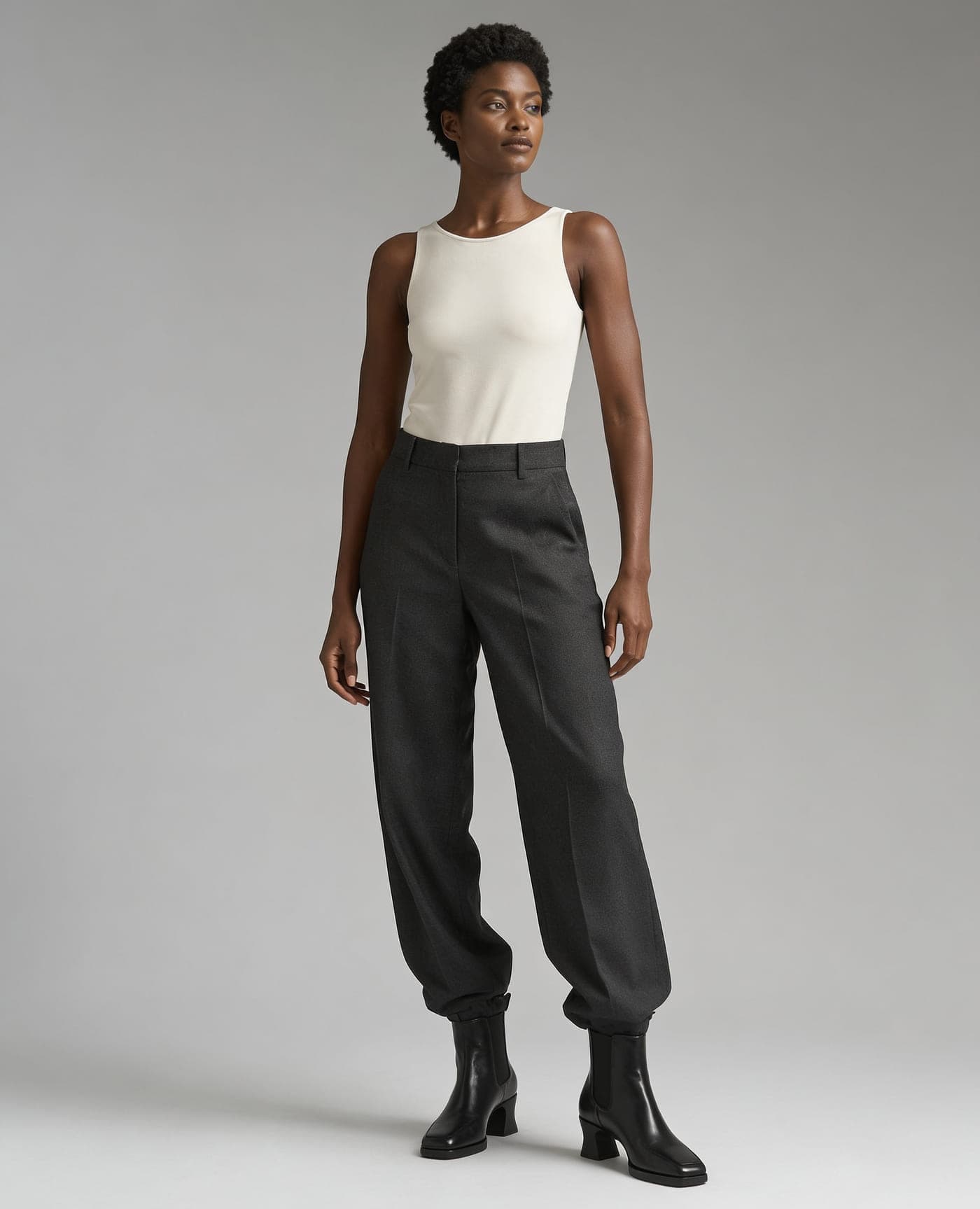
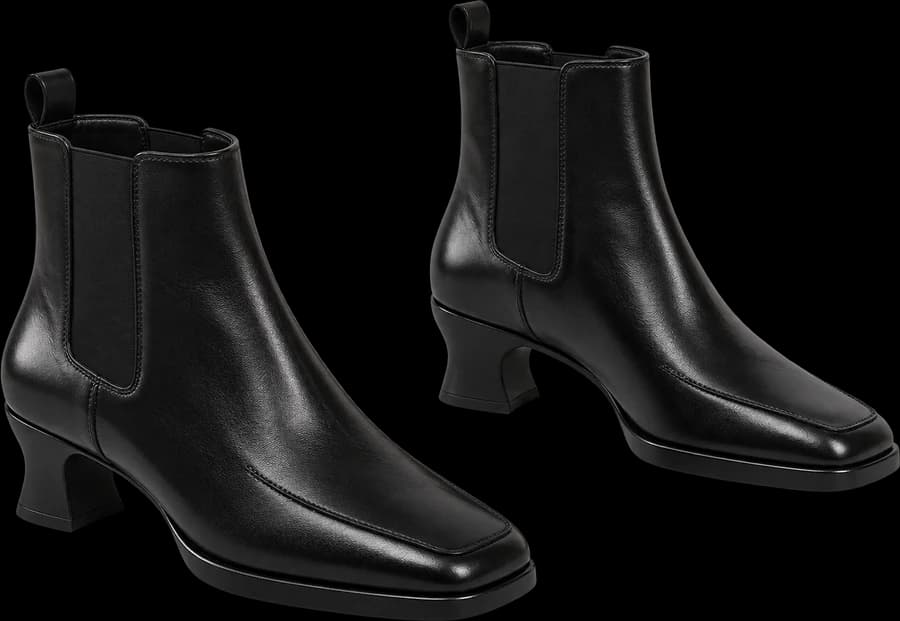
Generated
Why footwear photography is hard
Shoot the feet alone and the floor and lighting dominate; shoot full-length and you are now styling an outfit. It is a category with heavy size and colour variation, so the shot count climbs fast.
Three ways to show them
- Worn walking, footwear close-up, or full outfit. The walking scene specifies the moment the side profile reads.
- The close-up is framed from slightly above so material and sole thickness come through.
- Keep one model across colourways and the listing page stays consistent.
- Use the free-text note to steer what they are worn with.
Available scenes
- Worn walking
- Footwear close-up
- Full outfit
- Studio white
- Outdoor natural
- Urban street
Standard
¥3,980 / month (tax included)
Unlimited image generation / No watermark, commercial use allowed
SubscribeFAQ
- Will the left and right shoes match?
- They are instructed to. Generative models occasionally drift; regenerate if so. The close-up is the more reliable framing.
- Are sole logos reproduced?
- As far as they are visible in your source image. Use the best-quality setting when detail matters.
- Do I need separate shots per size?
- No — everything comes from one product image. Swap the image for a different colourway.